Dude Theft Wars for PC (2026): Download & Play on Windows and Mac
Short answer: there is no official Windows, Steam or .exe version of Dude Theft Wars. The safe way to play it on a computer is to install the official Google Play version inside an Android emulator such as BlueStacks or MuMu Player. It is free and takes about 10 minutes.
This guide shows the four methods that work, the real hardware you need, a ready-made keyboard layout, and fixes for lag, black screens and login errors.
Quick Facts
| Game | Dude Theft Wars: Offline & Online Multiplayer Games |
| Developer | Poxel Studios Games |
| Android package | com.PoxelStudios.DudeTheftAuto |
| Genre | Open-world sandbox, ragdoll physics |
| Official PC version | None. Play through an Android emulator |
| Mac | iPad version on Apple Silicon (M1 or later), macOS 12+ |
| Multiplayer | Online, up to 16 players |
| Price | Free, with ads and in-app purchases |
What Is Dude Theft Wars?
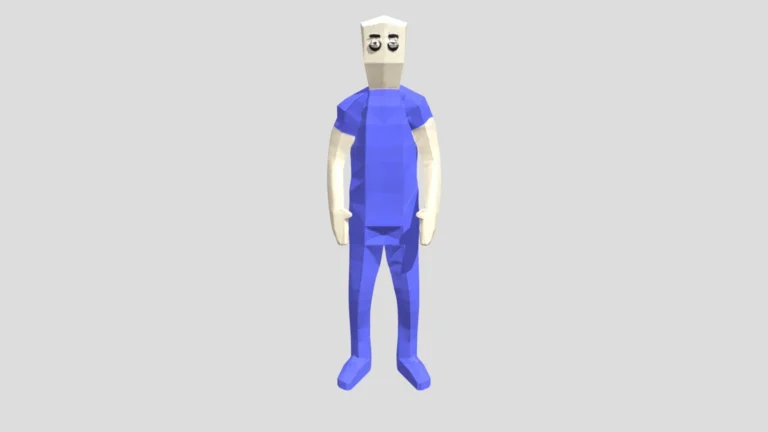
Dude Theft Wars is a free, physics-driven open-world sandbox game from Poxel Studios. You drive, steal vehicles, fly planes and helicopters, fight with weapons and run from the police in a cartoon city. The game is still officially in beta, so new maps, weapons and fixes arrive often.
It has an offline sandbox mode with maps like NoobTown and JackStreet, and an online multiplayer mode for up to 16 players with free-for-all, team deathmatch and a parkour playground. The latest App Store update added the Delta Docks multiplayer map, a new gun shop and six new single-player weapons.
New to the game? Start with our complete guide to Dude Theft Wars.
Why Play Dude Theft Wars on PC?
The game itself is identical, but a keyboard, mouse and big screen change how it feels.
| Aspect | Mobile | PC (emulator) |
|---|---|---|
| Controls | Touch | Keyboard, mouse or gamepad |
| Aiming | Limited | Precise mouse aim |
| Screen | 6 to 7 inch | Full monitor |
| Frame rate | Depends on phone | 60 FPS on most mid-range PCs |
| Battery and heat | Drains the phone | No issue |
| Setup | Instant | About 10 minutes |
System Requirements for Dude Theft Wars on PC
The game is light (about 300 MB on Android), so the emulator decides what you need. The real minimum for smooth play is 4 GB RAM with virtualization turned on.
| Component | Minimum (30 FPS) | Recommended (60 FPS) |
|---|---|---|
| OS | Windows 10 64-bit | Windows 11 64-bit |
| CPU | 4-core Intel or AMD | Core i5 / Ryzen 5 or better |
| RAM | 4 GB | 8 GB or more |
| Graphics | Intel UHD 620/630 | GTX 1050 / MX450 or better |
| Storage | 10 GB free | 10 GB free on an SSD |
| Virtualization | VT-x / AMD-V on | VT-x / AMD-V on |
Official requirements of each emulator
| Emulator | OS | RAM | Storage | Notes |
|---|---|---|---|---|
| BlueStacks 5 | Windows 7+ or macOS 11+ | 4 GB | 10 GB | Admin rights, updated graphics drivers |
| MuMu Player | Windows 7+ or macOS 11+ | 4 GB | 5 GB (Mac) | 4-core CPU, GTX 950+, VT on |
| MEmu | Windows 7+ | 2 GB | 5 GB | VT on |
| Google Play Games on PC | Windows 10 (2004)+ | 8 GB | 10 GB SSD | 4 physical cores, UHD 630, admin account |
Some emulators still list Windows 7, but it no longer gets security updates. Use Windows 10 or 11.
How to Download Dude Theft Wars on PC (4 Methods)
Step 0: Turn On Virtualization First
Every emulator runs several times faster with virtualization on. Press Ctrl + Shift + Esc, open Performance → CPU and look for “Virtualization: Enabled”.
If it says Disabled, restart, open BIOS (F2, F10, Del or Esc at startup), enable Intel VT-x or AMD-V / SVM Mode, then save with F10.
Method 1: BlueStacks 5 (best for most players)
- Download BlueStacks only from bluestacks.com and install it.
- Open BlueStacks and sign in to Google Play.
- Search “Dude Theft Wars” in the top-right search bar.
- Pick the game by Poxel Studios Games and click Install.
- Launch it from the home screen.
- Press Ctrl + Shift + A to check the key layout, and F1 for mouse-aim Shooting Mode.
Method 2: MuMu Player (low-end PCs and Apple Silicon)
- Download MuMu Player from mumuplayer.com and install it.
- Open the built-in Play Store and sign in.
- Search Dude Theft Wars, install and launch it.
- In settings, set performance to High and turn on 60 FPS.
MuMu has a native build for M1 to M4 Macs, handy if the Mac App Store version is not available in your country.
Method 3: LDPlayer or MEmu (lightweight)
Install from ldplayer.net or memuplay.com, sign in to the Play Store, install the game, then open Keyboard Mapping to set your keys. MEmu runs on as little as 2 GB RAM, the lightest option here. Untick any bundled offers during setup.
Method 4: Mac without an emulator
- Open the Mac App Store and search “Dude Theft Wars FPS Open World”.
- Switch to the iPhone & iPad Apps tab and install it.
- You need macOS 12+ and an M1 chip or newer.
Apple marks it “not verified for macOS”, so expect a few touch-control quirks. Intel Macs should use BlueStacks for Mac. iPhone players can read our iOS guide.
What about Steam or a PC setup.exe? Poxel Studios has not released Dude Theft Wars on Steam, the Microsoft Store or as a Windows .exe. A “full PC version” download is a repackaged file and often carries adware. Google Play Games on PC is the other official route, and the game is now listed there: its Google Play page shows an Install on Windows button.
Best Keyboard and Mouse Controls
Emulators ship a default preset. This layout feels most natural if you have played other PC open-world games. Set it in your emulator’s key-mapping tool.
A gamepad (Xbox or PlayStation) also works in BlueStacks and MuMu. Connect it before you launch the game.
Tip: after every big game update, open the key-mapping editor and drag any button that moved back into place.
| Action | Key |
|---|---|
| Move | W A S D |
| Look and aim | Mouse (F1 Shooting Mode in BlueStacks) |
| Shoot / Aim | Left / Right mouse button |
| Jump | Space |
| Sprint / Crouch | Left Shift / C |
| Enter or exit vehicle | F |
| Interact, pick up | E |
| Reload | R |
| Switch weapon | 1 to 4 or mouse wheel |
| Phone / menu | Tab or M |
| Pause | Esc |
How to Fix Lag and Get 60 FPS
- Enable virtualization (Step 0). This is the single biggest boost.
- Give the emulator more power: 4 CPU cores and 4 GB RAM if you have 8 GB or more.
- Turn on high FPS in the emulator and in the game’s graphics menu.
- Switch renderer between DirectX and Vulkan if one stutters.
- Update GPU drivers from NVIDIA, AMD or Intel.
- Laptops: Settings → Display → Graphics → add the emulator → High performance.
- Plug in and choose the Best Performance power mode.
- Lower graphics to Medium if FPS drops in busy areas.
- Close Chrome and other heavy apps.
- Install on an SSD for faster map loading.
Common problems and fixes
| Problem | Likely cause | Fix |
|---|---|---|
| Emulator slow or stuck loading | Virtualization off | Enable VT-x / AMD-V in BIOS |
| Emulator won’t start on Windows 11 | Hyper-V conflict | Install the Hyper-V build or turn off Windows Hypervisor Platform |
| Black screen in game | Renderer mismatch | Switch DirectX / Vulkan, update GPU driver |
| Crash when a map loads | Too little RAM | Give the emulator 4 GB, close background apps |
| “Device isn’t compatible” | Old Android instance | Create an Android 9 or newer instance |
| Mouse aim not working | Shooting Mode off | Press F1 or add an aim key |
| Multiplayer won’t connect | Network or old version | Update the game, restart the emulator |
| Progress lost after reinstall | Not signed in | Sign in with the same Google account first |
| Antivirus warning | Unofficial download | Delete it, reinstall from official sites |
Which Emulator Is Best for Dude Theft Wars?
BlueStacks 5 is the best choice for most players. MuMu Player is better on weak PCs and Apple Silicon Macs.
| Emulator | Best for | Strengths | Weaknesses |
|---|---|---|---|
| BlueStacks 5 | Beginners | Shooting mode, macros, Windows and Mac | 10 GB install, launcher ads |
| MuMu Player | Low-end PCs, M-series Macs | Light, high FPS, native Apple Silicon | Needs a 4-core CPU |
| LDPlayer 9 | Gaming PCs | Good FPS, easy key mapping | Windows only, bundled offers |
| MEmu | Old 2 GB RAM PCs | Lowest requirements | May lag in busy multiplayer maps |
| Google Play Games | Official route | Made by Google, clean | 8 GB RAM + SSD, game now listed for Windows |
Is It Safe and Legal?
- Emulators are legal. Download them only from their official websites.
- Install the game from Google Play inside the emulator for the genuine build and auto-updates.
- Use a secondary Google account if you prefer.
What to Avoid
- “PC setup.exe” or “full PC version” downloads
- Cracked or unlimited-money builds that break after updates
- Modified files in online matches, which can stop working with the servers
 Complete Guide to Dude Theft Wars
 Best Character in Dude Theft Wars
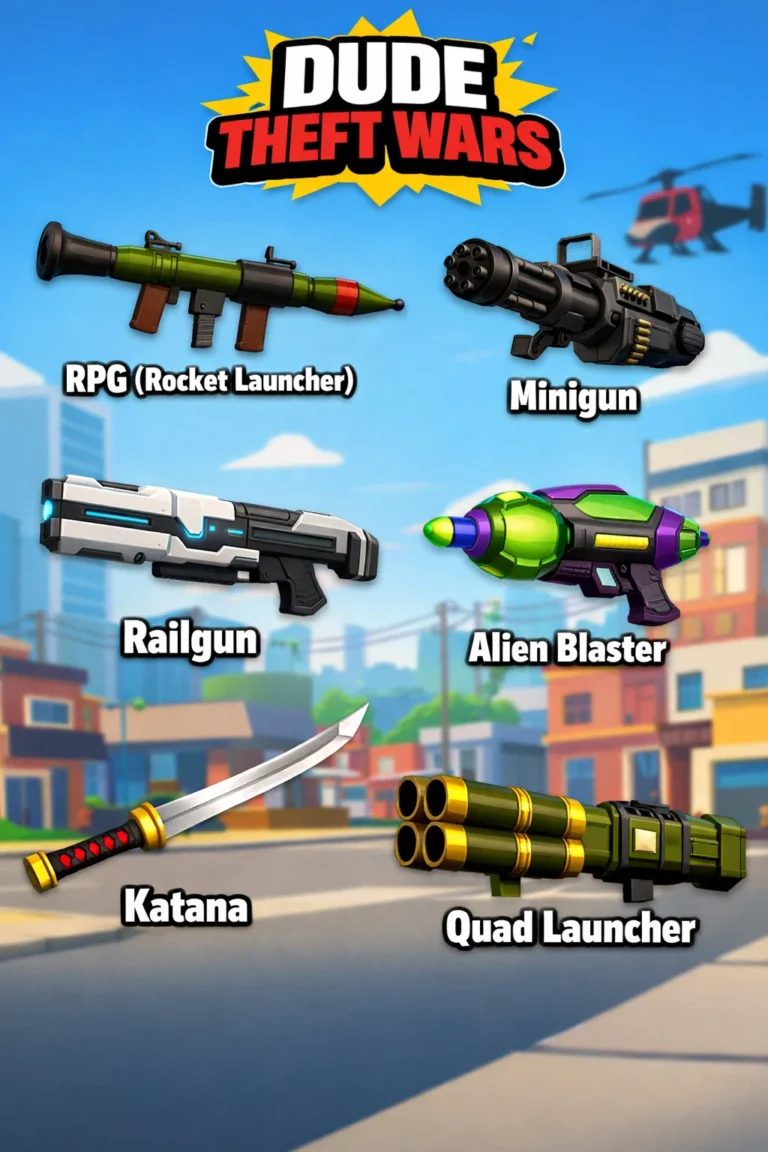 Best Weapons in Dude Theft Wars
 Dude Theft Wars Old Versions
FAQs
Is Dude Theft Wars officially available on PC?
No. Poxel Studios has released it only for Android and iOS. On a PC you play the official Android version through an emulator.
Is Dude Theft Wars on Steam?
No. There is no Steam listing from Poxel Studios. Steam games with similar names are different titles.
Is Dude Theft Wars free on PC?
Yes. The game and the main emulators are free. The game has optional in-app purchases and ads.
Can I play it on PC without an emulator?
On Windows, not currently. On an M1 or newer Mac you can install the iPad version from the Mac App Store.
Will it run on a 2 GB or 4 GB RAM PC?
2 GB works only with MEmu on low settings. 4 GB is playable in BlueStacks or MuMu, and 8 GB gives smooth 60 FPS.
Can I play multiplayer with friends on mobile?
Yes. The emulator runs the same Android version, so you join the same online servers with up to 16 players.
Does my phone progress carry over to PC?
Sign in with the same Google account in the emulator and in the game. Test with a small step first before relying on it.
Which emulator is best for Dude Theft Wars?
BlueStacks 5 for most players, and MuMu Player for low-end PCs and Apple Silicon Macs.
Can I use a controller?
Yes. BlueStacks and MuMu support Xbox and PlayStation controllers.
Final Verdict
Dude Theft Wars has no native PC release, but the official Play Store version inside BlueStacks or MuMu plays better than on a phone: precise mouse aim, a full-screen map and a steady 60 FPS on most mid-range PCs.
Turn on virtualization, install only from official sources, map your keys once, and the chaos is ready on your desktop.

Covers Dude Theft Wars updates, characters and setup guides. This page was checked against the official emulator requirement pages and the App Store and Play Store listings on 22 October 2026. Not affiliated with Poxel Studios. About us · Contact
Sources: BlueStacks · App Store listing · MEmu · MuMu Player · Google Play Games on PC requirements